Wi-Fi for Short-Term Rentals: Mesh Routers, a Guest Network and Remote Checks That Keep Guests Connected
This post contains affiliate links. If you buy through them, we may earn a commission at no extra cost to you. As an Amazon Associate we earn from qualifying purchases. Learn more.
How we researched this: this is a research roundup based on manufacturer specifications and published reviews. We have not tested these products hands-on, and we do not list prices; any star ratings or sales figures are what Amazon showed on the date noted and change often. Check the linked sources and current listings before you buy.
Wi-Fi is the amenity guests notice most when it fails. Holiday stays bring full houses, remote workers and kids streaming at the same time, and searches like "wifi for short term rentals" and "best wifi router for short term rental" show hosts trying to get ahead of it. In host forum threads the same complaints repeat: dead spots in the far bedroom, a router a guest unplugged, and smart locks that dropped offline. This guide covers speed, coverage, a guest network, remote checks and backup power. It is a research roundup based on product listings, manufacturer help pages and government guidance; we have not tested these products hands-on.
How much speed guests actually need
Start with the internet plan. The FCC's broadband speed guide lists rough minimums per activity: about 5 to 8 Mbps to stream HD video, 25 Mbps for 4K, 6 Mbps for HD video conferencing and 5 to 25 Mbps for telecommuting. Those figures are for one activity at a time, so add them up for a full house on a rainy evening.
Hosts in forum threads report that most complaints are about drop-outs and dead zones, not the plan's headline speed. Coverage and stability usually matter more than paying for the top tier. Run a speed test in each bedroom and on the patio, not just next to the router.

Cover every room (and the patio) with mesh
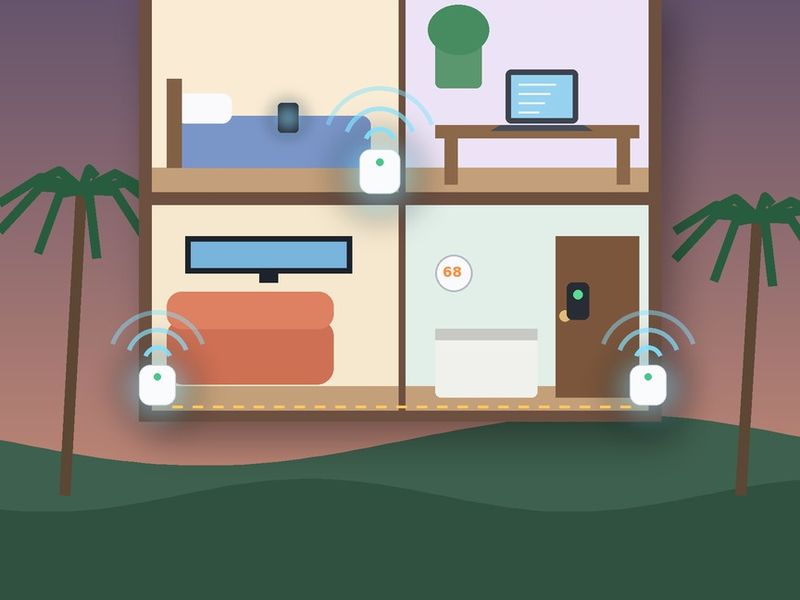
One router in a closet rarely reaches a far bedroom or the hot tub. A mesh system puts two or three units around the house so guests stay on one network name as they move.
The TP-Link Deco X55 3-pack is the volume leader. When we checked Amazon on November 15, 2026, it showed 4.4 stars from about 13,438 ratings, #1 in Whole Home and Mesh Wi-Fi Systems and about 6K+ bought in the past month. TP-Link rates the 3-pack for up to 6,500 sq ft, with three gigabit ports per unit. The featured offer that day came from Amazon Resale, so check that you pick a new unit.
The eero 6+ 3-pack showed 4.4 stars from about 10,628 ratings and about 1K+ bought in the past month on the same day. Amazon's review summary is mixed on quality and on compatibility with some modems and garage openers, so check your provider's equipment first.
Place units no more than a room or two apart, up high and in the open. Put one near the door to the patio if guests use the yard at night.
Wire what you can
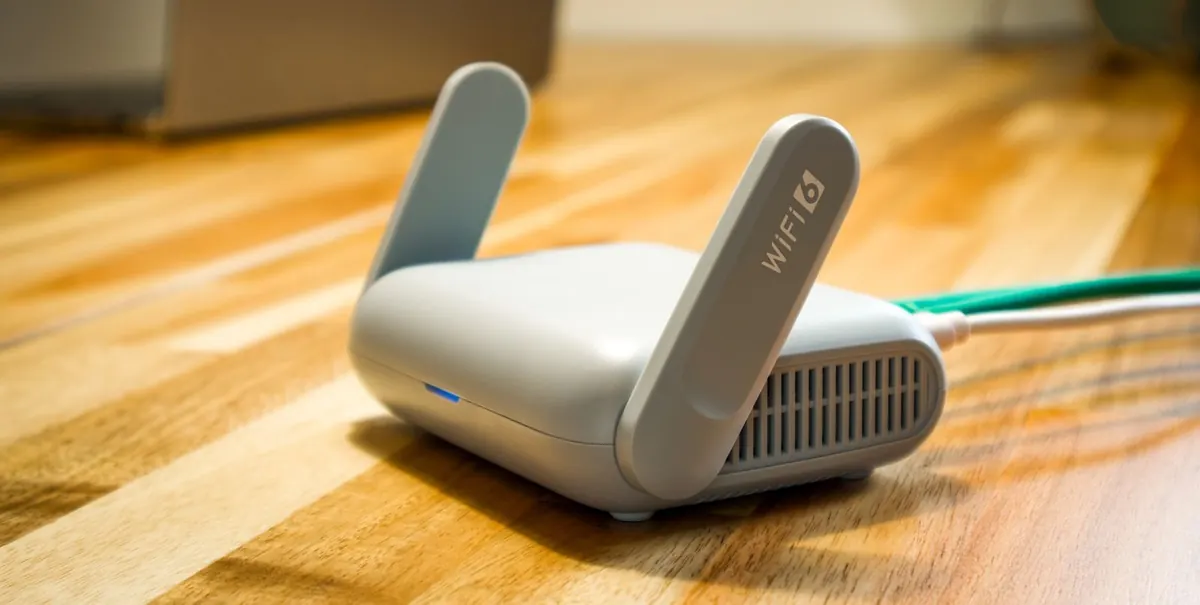
A cable beats Wi-Fi for the TV, a desk and the link between mesh units. Both systems support wired backhaul, which frees the wireless signal for guests' phones.
The TP-Link TL-SG105 5-port switch adds ports behind the TV; on November 15, 2026, it showed 4.7 stars from about 130,378 ratings, Amazon's Choice and about 10K+ bought in the past month. Pair it with an Amazon Basics Cat 6 cable, which showed 4.7 stars from about 132,093 ratings and Amazon's Choice.
Host gear picks
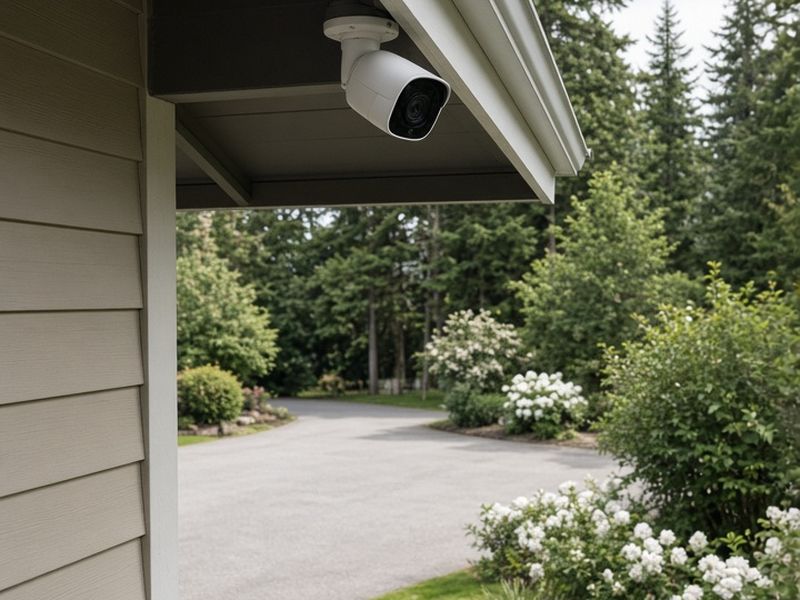
See arrivals at the driveway and front door (exterior only).
Check price on AmazonAs an Amazon Associate we earn from qualifying purchases.
Give guests their own network
Put guests on one network and your smart locks, thermostat, cameras and noise monitor on another. Hosts in forum threads describe this as standard practice: guests get a password you can change, and the devices that run the house are not shared with strangers.
CISA's home Wi-Fi guide covers the basics: change the router's default admin login, keep firmware updated, use WPA3 or WPA2 AES, turn off WPS, create a guest network with its own long password and keep the router in a secure spot. For a rental, that spot is a locked owner's closet or a ventilated cabinet, so guests can't unplug or reset it. Change the guest password every season or after a problem stay.
Automate the checks so you are not the help desk
Turn on a scheduled reboot. TP-Link documents a Reboot Schedule setting in the Deco app (More, System, Reboot Schedule) on supported models with current firmware, where you choose the day and how often; pick an early-morning slot or a gap between stays.
Use the app's alerts and device list to see from home whether the network is up. The eero app can share the guest network name and password, or a QR code, straight from your phone.
Send the Wi-Fi details automatically. A tool such as Hospitable can include the network name, password and a "try this first" reboot tip in every check-in message, so guests have it before they arrive. Print a small card with the same details and a QR code for the fridge.
Keep it running through a power blip
A short outage can knock the modem and router offline, along with every smart lock and camera that needs Wi-Fi. The APC BE600M1 battery backup is #1 in Computer Uninterruptible Power Supply Units; on November 15, 2026, it showed 4.5 stars from about 29,362 ratings, Amazon's Choice and about 10K+ bought in the past month. Plug the modem and main router into its battery outlets. It will not run the house, but it can bridge a brief flicker so the network does not need a reboot.
Host checklist and the takeaway
- Test speed in every bedroom and on the patio.
- Mesh units a room or two apart, wired where you can.
- A separate guest network; devices on their own.
- Router locked away, admin password changed, firmware updated.
- Scheduled reboot, phone alerts and a battery backup.
- Wi-Fi name, password and QR code in the check-in message and on a card.
The takeaway: guests judge Wi-Fi on whether it just works in every room, not on the speed on your bill. Cover the house, split the networks, lock the gear away and automate the checks. The free host checklist signup on this site includes a smart-device check for every turnover.
Shop the ideas
- TP-Link Deco X55 AX3000 Wi-Fi 6 mesh system (3-pack) on Amazon
- Amazon eero 6+ mesh Wi-Fi 6 system (3-pack) on Amazon
- TP-Link TL-SG105 5-port gigabit Ethernet switch on Amazon
- Amazon Basics Cat 6 Ethernet patch cable, 10 ft on Amazon
- APC BE600M1 UPS battery backup and surge protector on Amazon
Links go to specific Amazon product pages; check current price, availability and reviews before you buy.
Sources
Save this idea to Pinterest.
Free host checklist
The Vacation Rental Turnover & Outdoor-Space Checklist: printable turnover, backyard, safety and seasonal checklists in one 6-page PDF.
Download the free PDF What's inside →More Host Gear
- Outdoor Movie Night Setup for Vacation Rentals: Projector, Screen, Sound and Seating Under a Pergola
- Smart Water Shut-Off Valves for Vacation Rentals: Stop a Burst Pipe Before It Floods an Empty House
- Robot Vacuums for Vacation Rentals: Self-Emptying Picks That Save Turnover Time
Header and Pinterest images: digital illustrations created for The Backyard Gazebo. They are not photos of a real property or product. Other photos credited in place (Pexels).